Japanese (Japan)
English
German
Spanish
French
Japanese (Japan)
なぜ有形なのか
ソリューション
プラットフォーム概要
Tangiblee プラットフォームのさまざまな機能について学んでください。
バーチャル・トライオン
顧客がARテクノロジーを搭載したアイテムを仮想的に試着できるようにします。
ライフスタイルコンテンツ
Web サイトの既存の製品画像を使用して、フォトリアリスティックな新しいコンテンツを作成します。
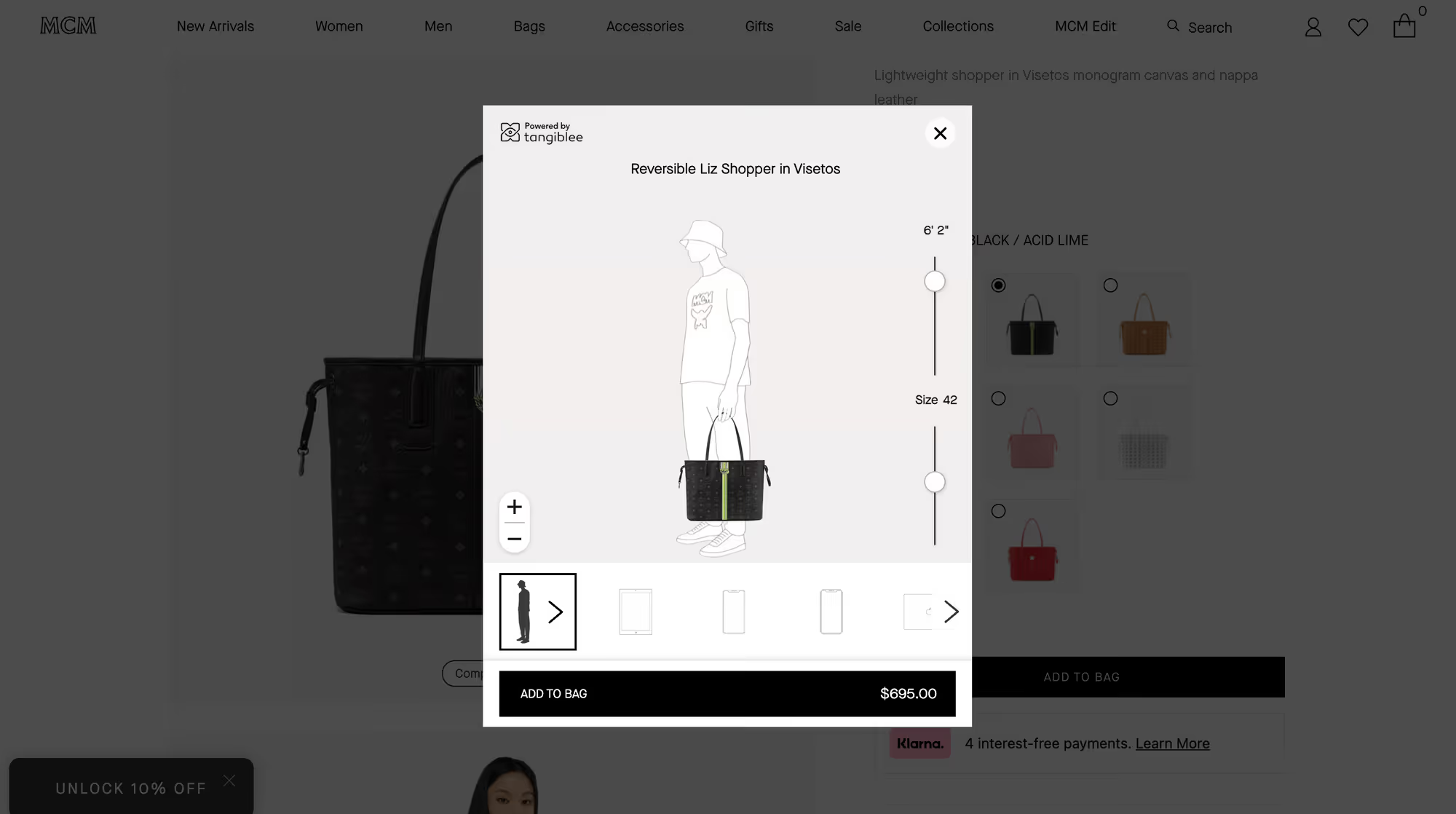
サイズとフィット感を視覚化
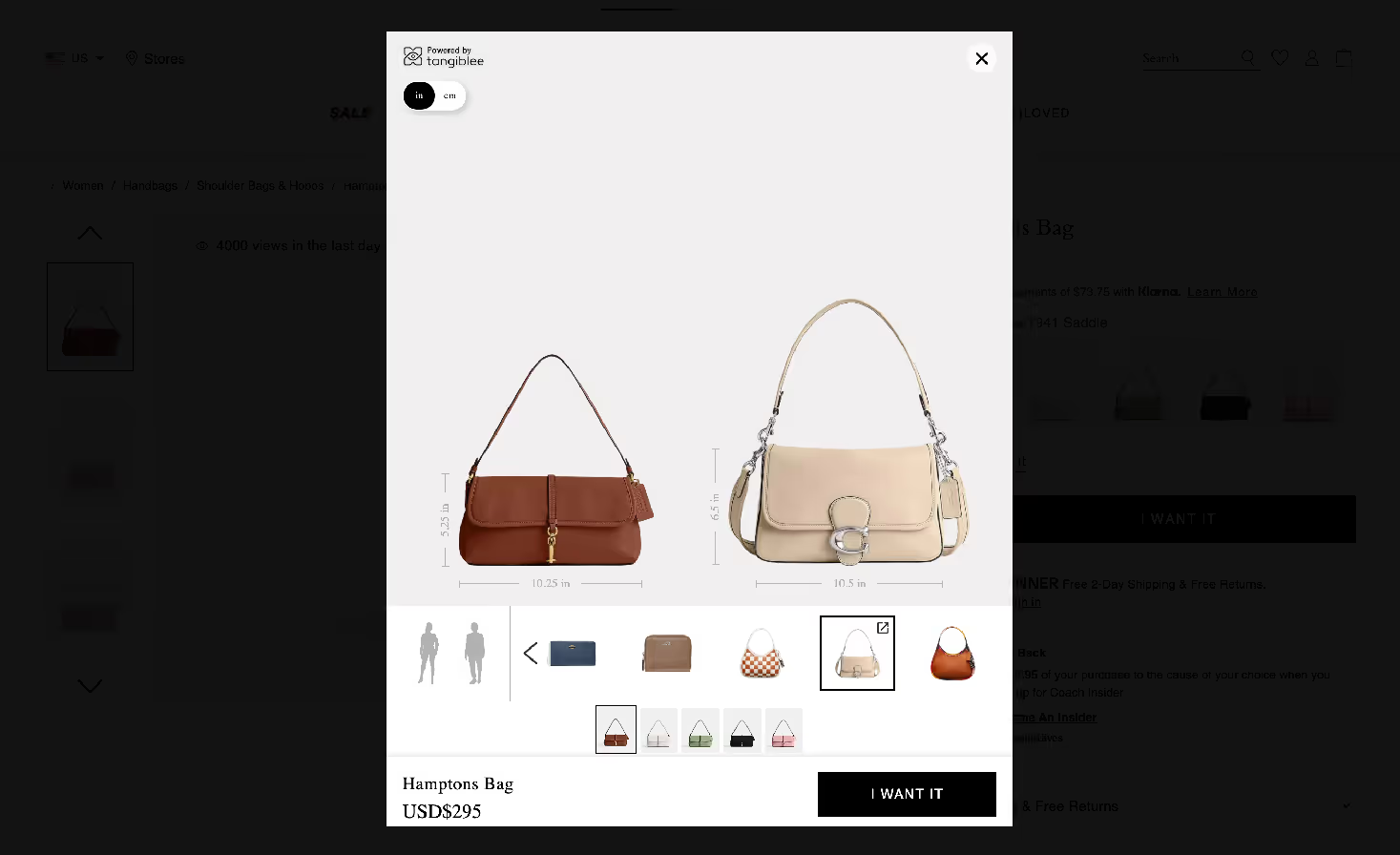
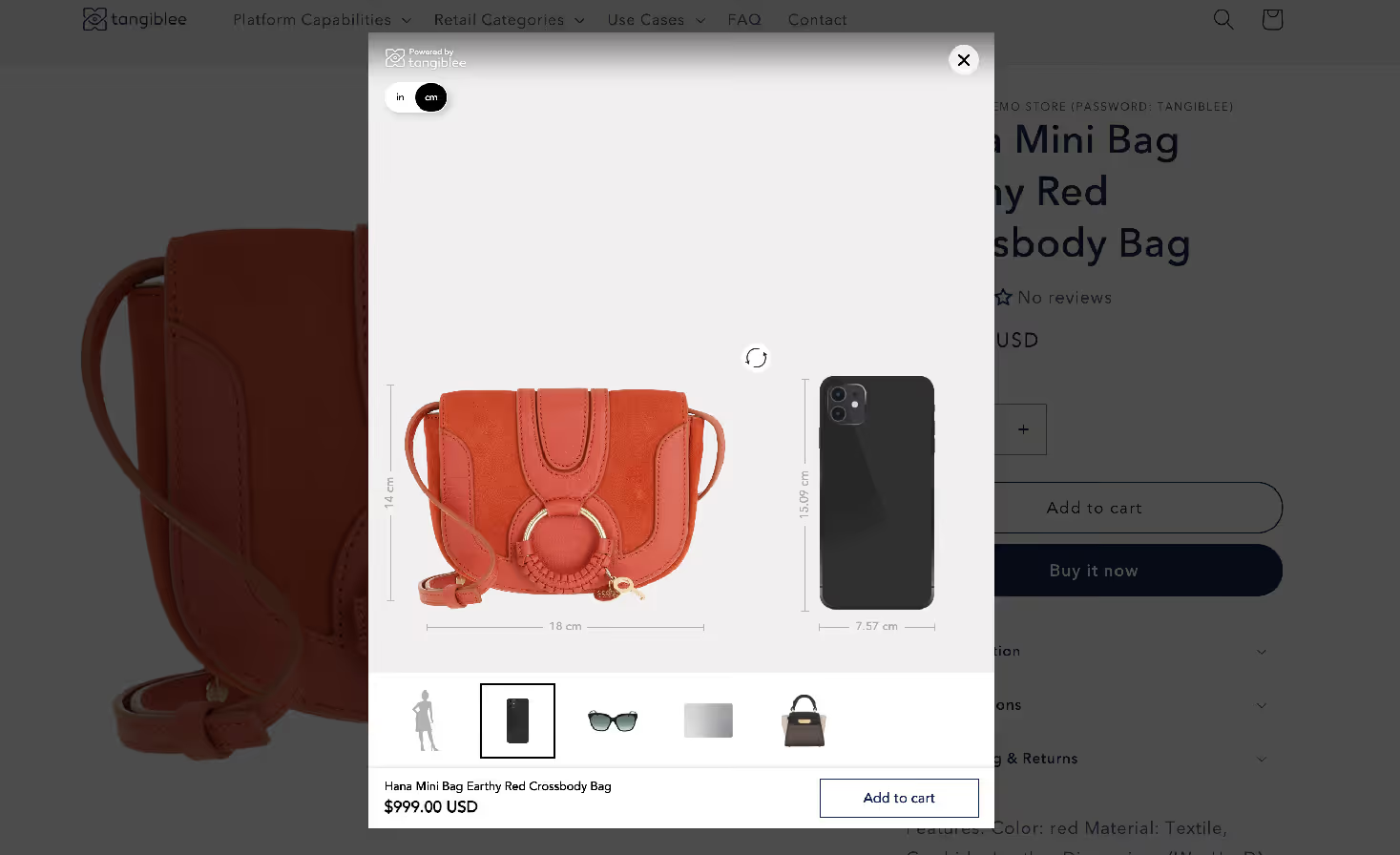
お店の他の商品や日常の商品とサイズを比較してください。
仕組み
インテグレーション
コピーアンドペーストと同じくらい簡単に統合できます。オンラインビジネスの成長を支援するように設計されています。
価格設定
Tangibleeは、お客様固有の市場ニーズに応える、すぐに使えるカテゴリー別のソリューションを提供します。
小売カテゴリー
ジュエリー&ウォッチ
ジュエリーのスタッキング、バンドリングなどを含む高度なARソリューション。
ハンドバッグ、旅行かばん、バックパック
インクルーシビティとパーソナライゼーションのソリューションにより、購入者の信頼を高めます。
その他のカテゴリー
返品を減らし、購入者の信頼を高める製品視覚化ソリューション。
家具とホームデコレーション
家具、ウォールアート、照明などの没入感のある部屋の視覚化オプション。
リソース
私たちについて
Tangiblee チーム、歴史、ミッションなどについて詳しく学んでください。
ブログ
新しくリリースされた機能、プレスリリース、業界トレンドなどをご覧ください。
ヘルプセンター
質問がありますか?よくある質問や役立つドキュメントを参照するか、質問を送信してください。
ビデオライブラリ
クライアントインタビュー、製品デモンストレーション、ウェビナー、企業発表などをご覧ください。
機能ガイド
日々追加される革新的な機能を詳しく見てみましょう
ケーススタディ
当社の革新的なeコマーステクノロジーソリューションについて、お客様の声をご覧ください。
リリースノート
機能のアップデートやリリースをチェックしましょう。アップデートがいつ公開されるかをいち早く把握できます。
インスピレーションギャラリー
お客様が当社のソリューションをオンラインストアにどのように実装しているかをご覧ください。
Japanese (Japan)
English
German
Spanish
French
Japanese (Japan)
デモをスケジュールする
Feature Guide
Take a closer look at our innovative features – with more being added every day.
Adjustable Silhouette
Airline Carry-On
Compare To
Embed
General Platform
Lifestyle Imagery
On Model
QR Code Desktop Sync
Stacking
Virtual Try-On
What Fits Inside
Furniture & Home Decor
Handbags
Jewelry
Lighting
Luggage & Backpacks
Watches
Retail Category
Retail Category
Link 1
Show all
Feature Category
Feature Category
Show all
Show all
Sort
Feature (A-Z)
Feature (Z-A)
Thank you! Your submission has been received!
Oops! Something went wrong while submitting the form.
Retail category
Feature category
Adjustable Silhouette
Represent all online shoppers by offering diverse body sizes and shapes without additional photography.
Read more
Retail category
Feature category
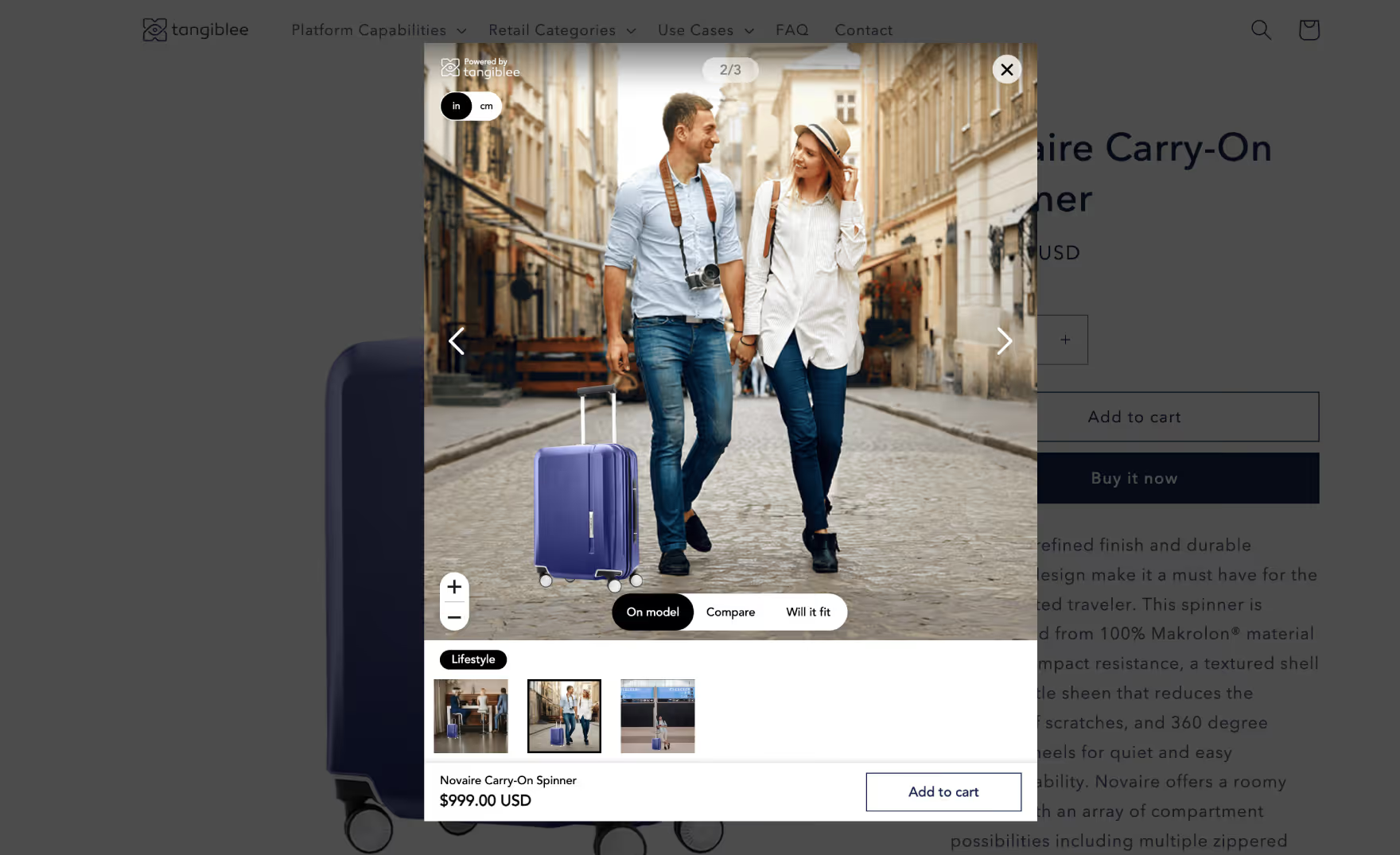
Airline Carry-On Limits
Allow shoppers to visualize luggage compared to various airlines’ carry-on limits.
Read more
Retail category
Feature category
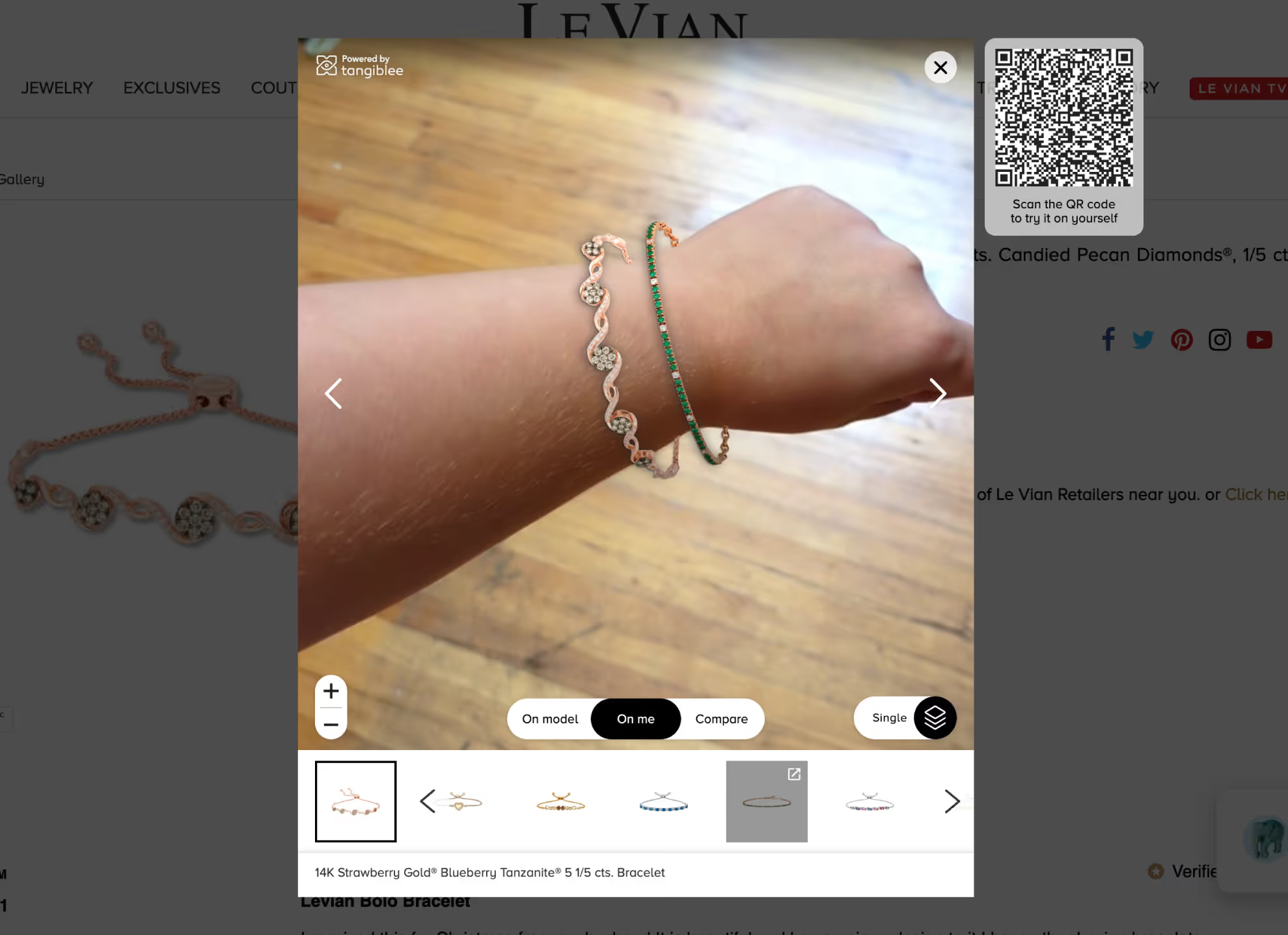
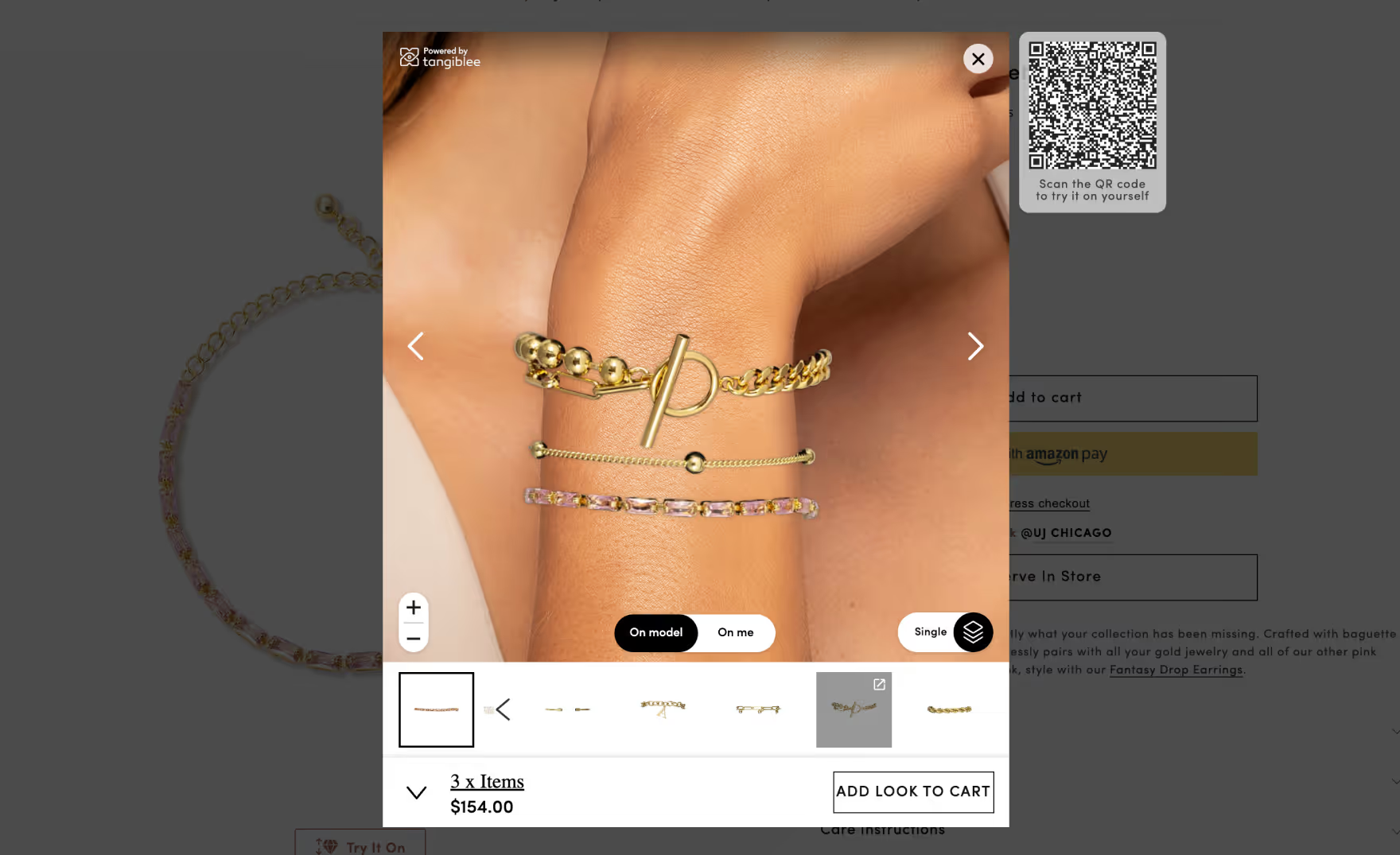
Bracelet Stacking VTO
Shoppers can create a custom stacked bracelet look on their own wrist.
Read more
Retail category
Feature category
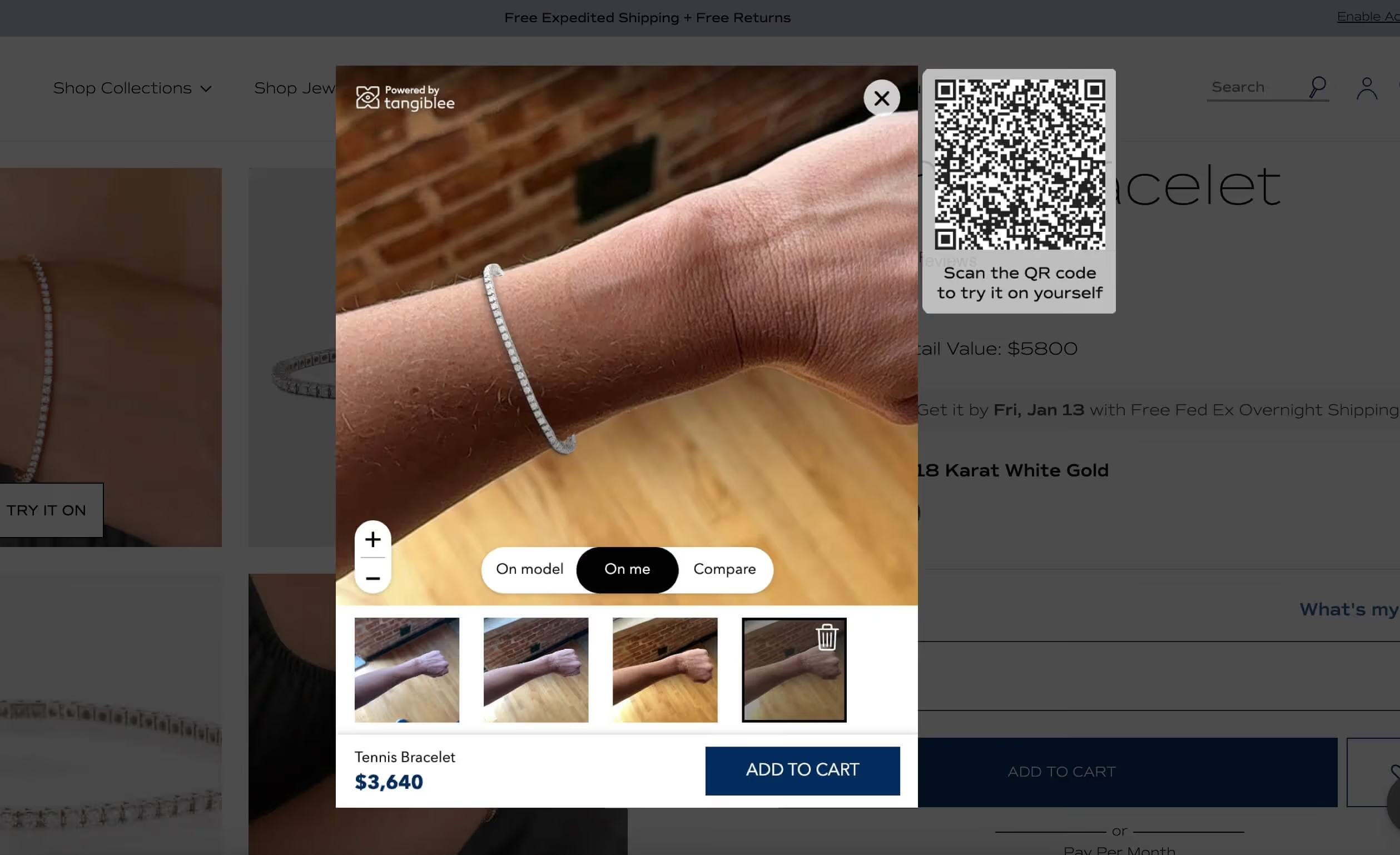
Bracelet Virtual Try-On (VTO)
Allow shoppers to virtually try on bracelets using Augmented Reality (AR) by simply taking a photo of their wrist.
Read more
Retail category
Feature category
Catalog of Adjustable Silhouettes
Catalog of available adjustable silhouettes to create a branded experience.
Read more
Retail category
Feature category
Comparison Mode: Cross-Catalog
Allow online shoppers to compare products to other products within the retailers catalog.
Read more
Retail category
Feature category
Comparison Mode: Everyday Items
Allow online shoppers to compare products to everyday items to better understand size.
Read more
Retail category
Feature category
Dynamic Comparison Items
Curate custom recommendations for online shoppers based on their shopping history.
Read more
Retail category
Feature category
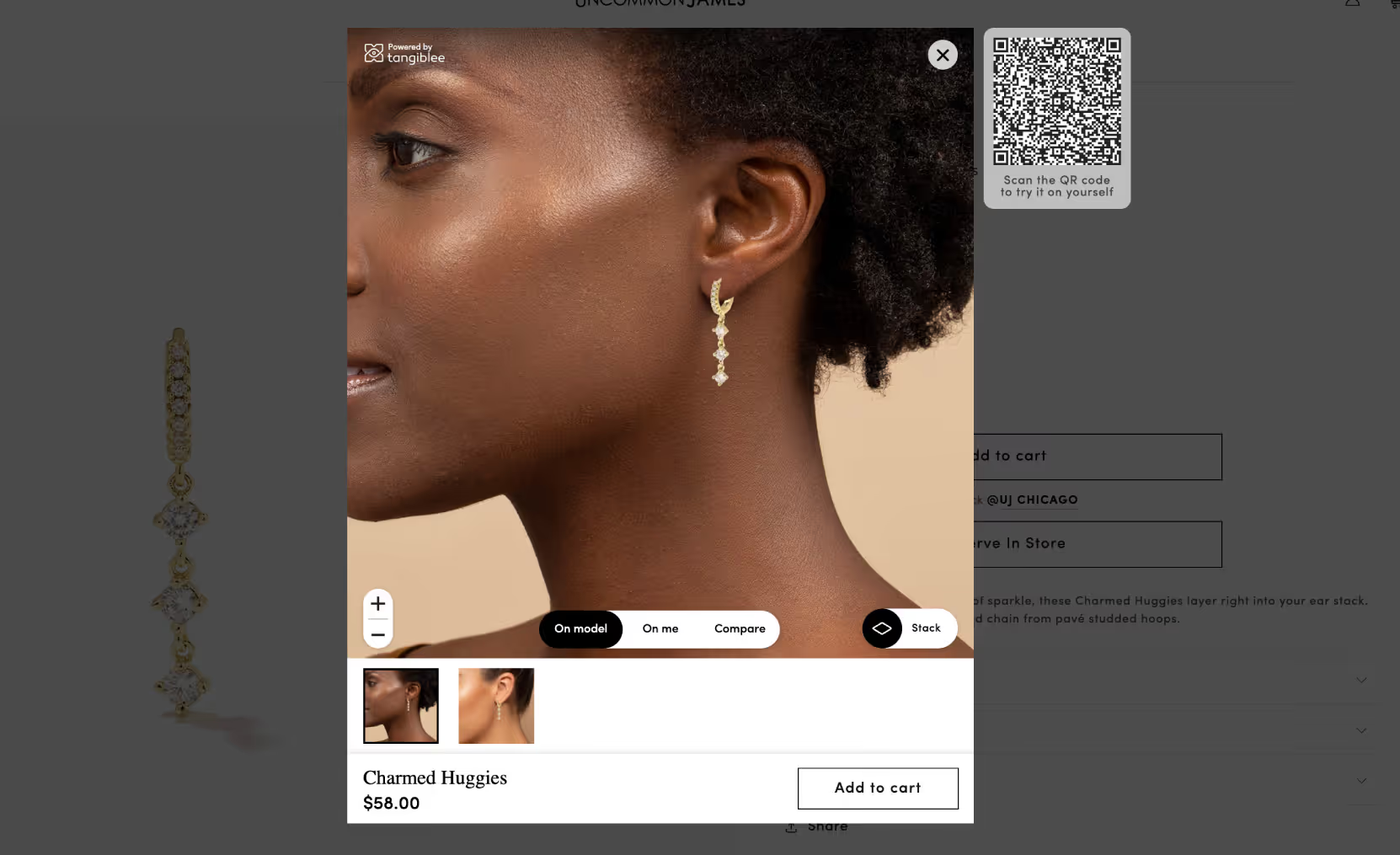
Earring Stacking VTO
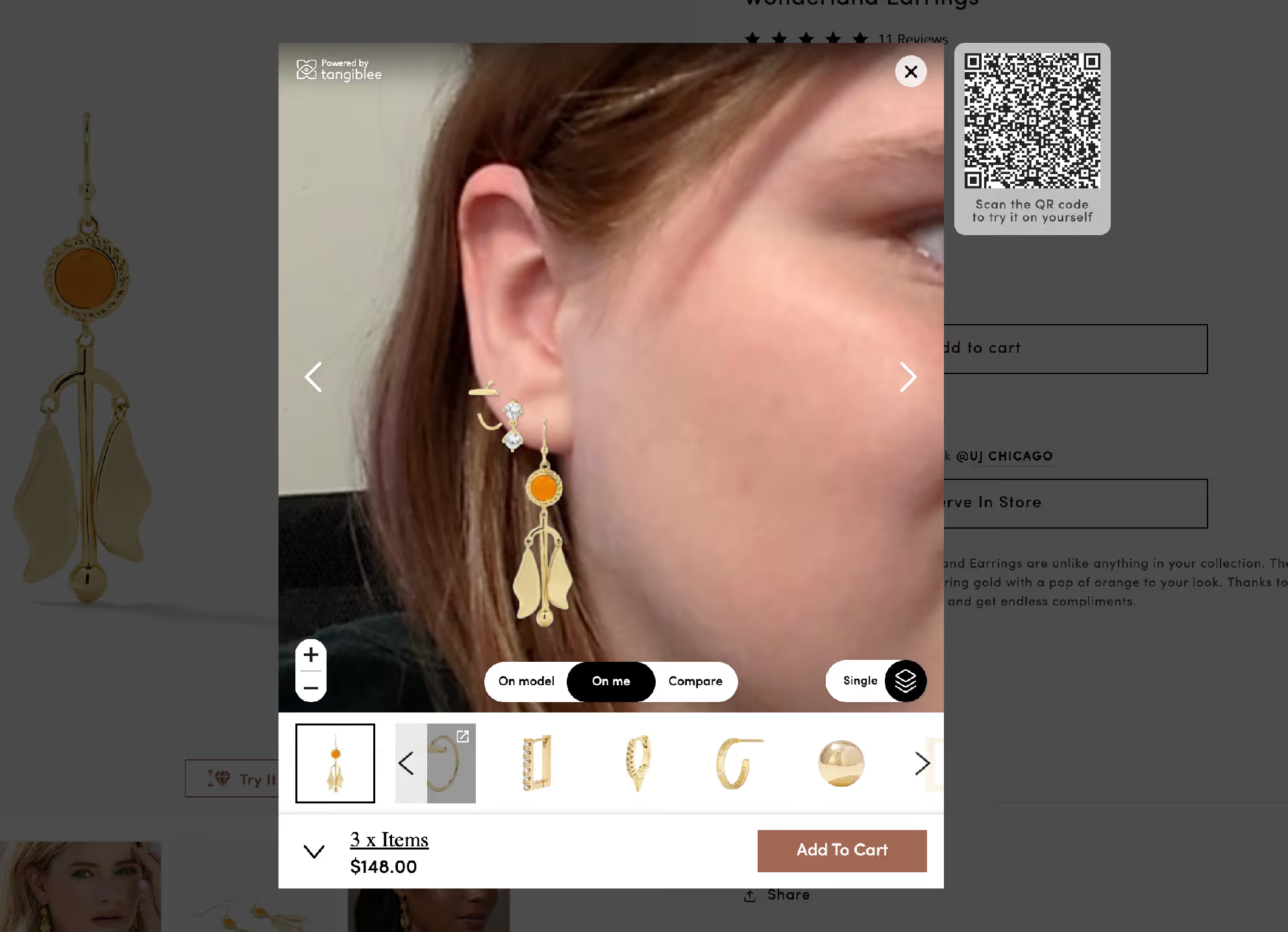
Allow shoppers to virtually try on multiple earrings at once using augmented reality (AR).
Read more
Retail category
Feature category
Embedded
Allow users to engage with Tangiblee’s solution directly on the product page with no pop-ups.
Read more
Retail category
Feature category
Interactive Gallery
Provide online shoppers with an intuitive UX to navigate through the thumbnail gallery quickly and easily.
Read more
Retail category
Feature category
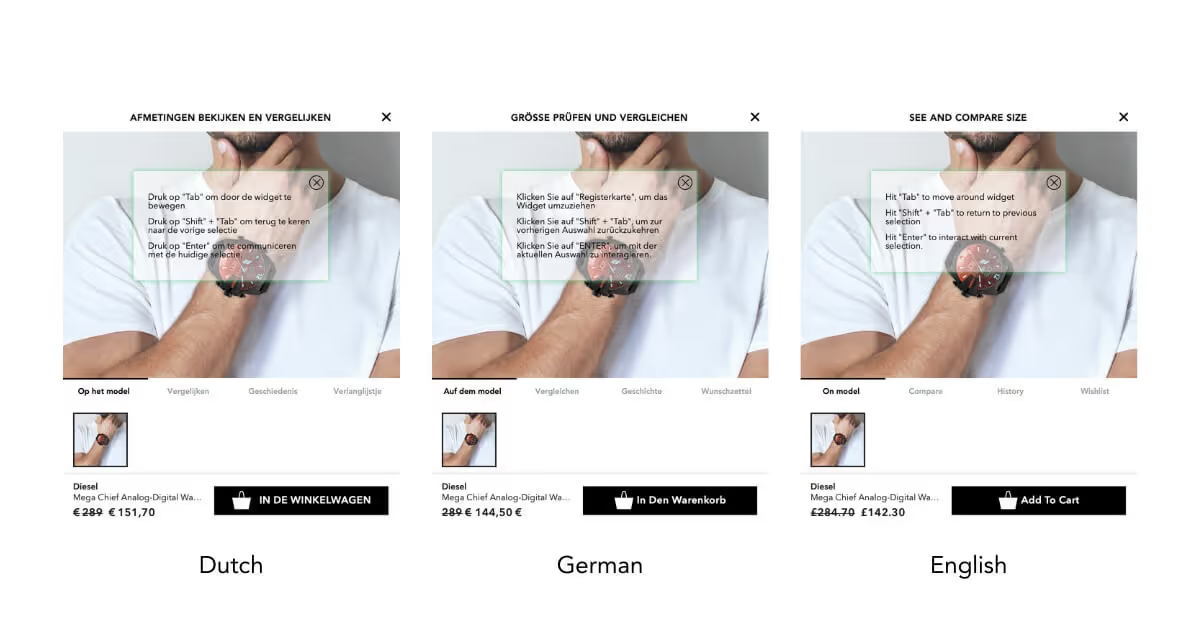
Localization
Provide end users with an immersive shopping experience in their desired language.
Read more
Retail category
Feature category
Multi-Category Stacking
Allows online shopper to mix and match products from different categories, creating their perfect look.
Read more
Retail category
Feature category
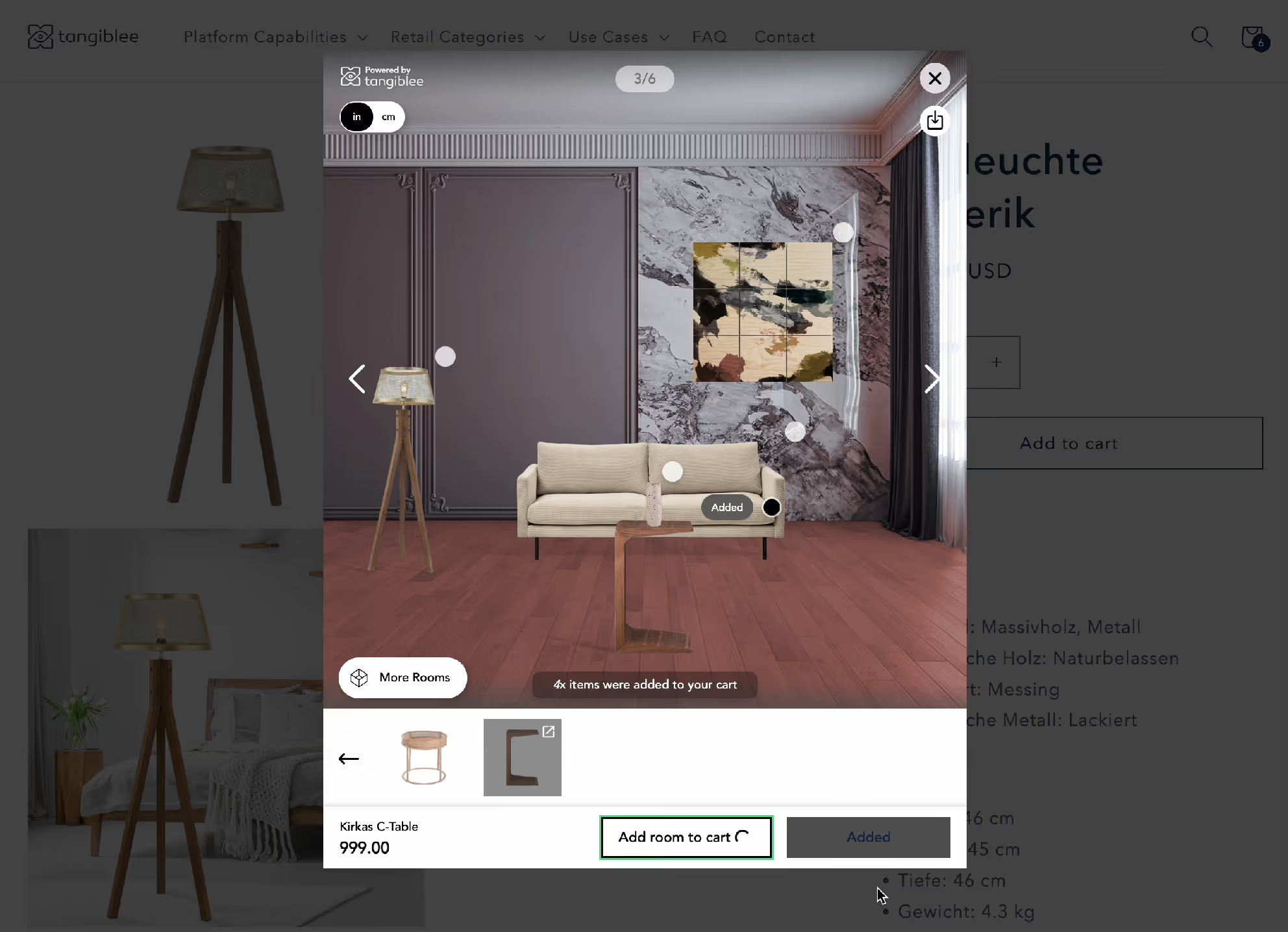
Multi-SKU Bundling Furniture and Home Decor
Allow users to add multiple items to cart with a few simple clicks.
Read more
Retail category
Feature category
Multi-SKU Bundling Jewelry
Allow users to add multiple items to cart with a few simple clicks.
Read more
Retail category
Feature category
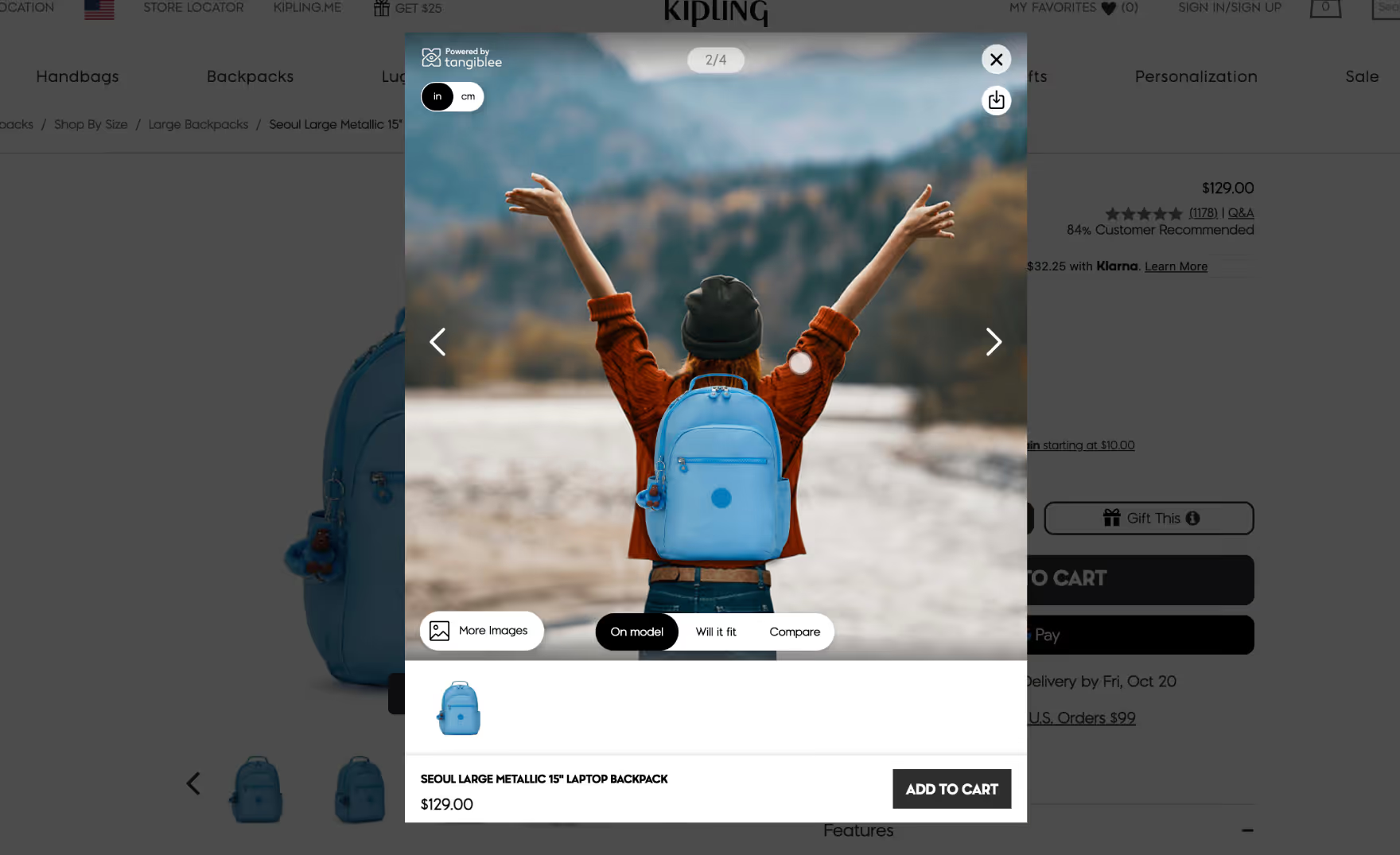
On Model - Backpacks
Show products on model imagery with no additional photoshoots.
Read more
Retail category
Feature category
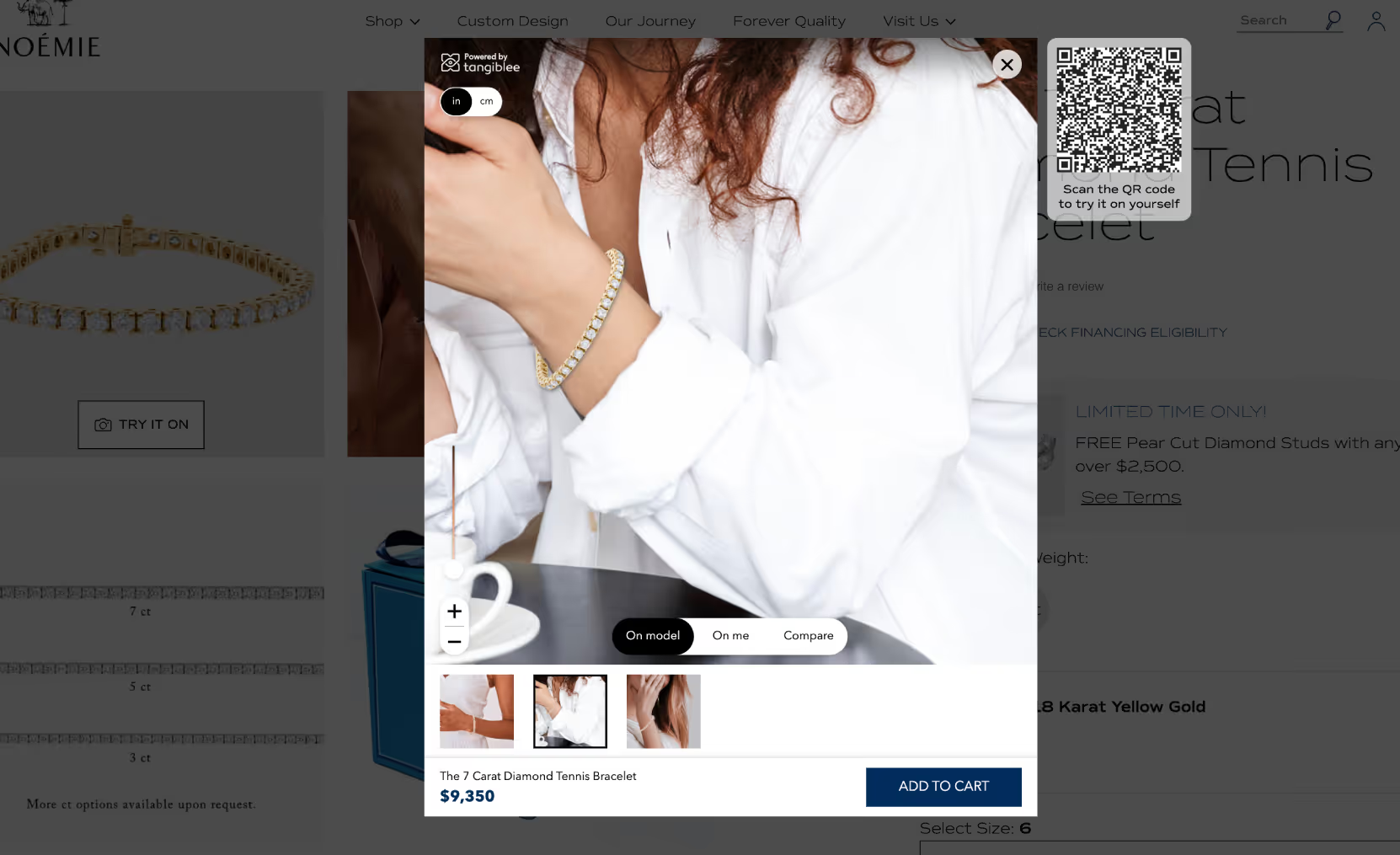
On Model - Bracelet
Show products on model imagery with no additional photoshoots.
Read more
Retail category
Feature category
On Model - Earring
Show products on model imagery with no additional photoshoots.
Read more
Retail category
Feature category
On Model - Gemstone
Allow your shoppers to visualize the size of the gemstone in comparison to a model’s hand.
Read more
Retail category
Feature category
On Model - Handbags
Show products on model imagery with no additional photoshoots.
Read more
Retail category
Feature category
On Model - Luggage
Show products on model imagery with no additional photoshoots.
Read more
Retail category
Feature category
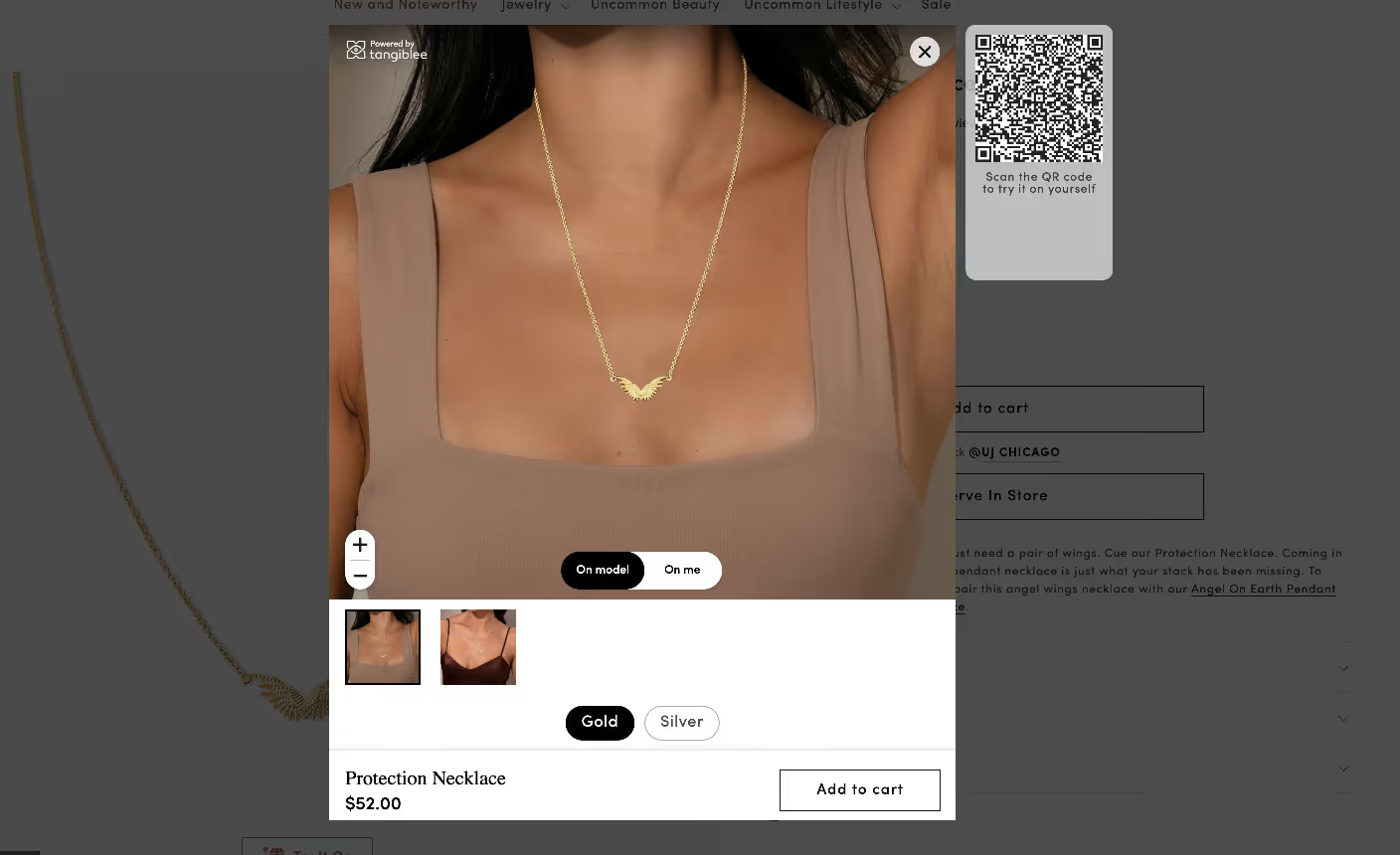
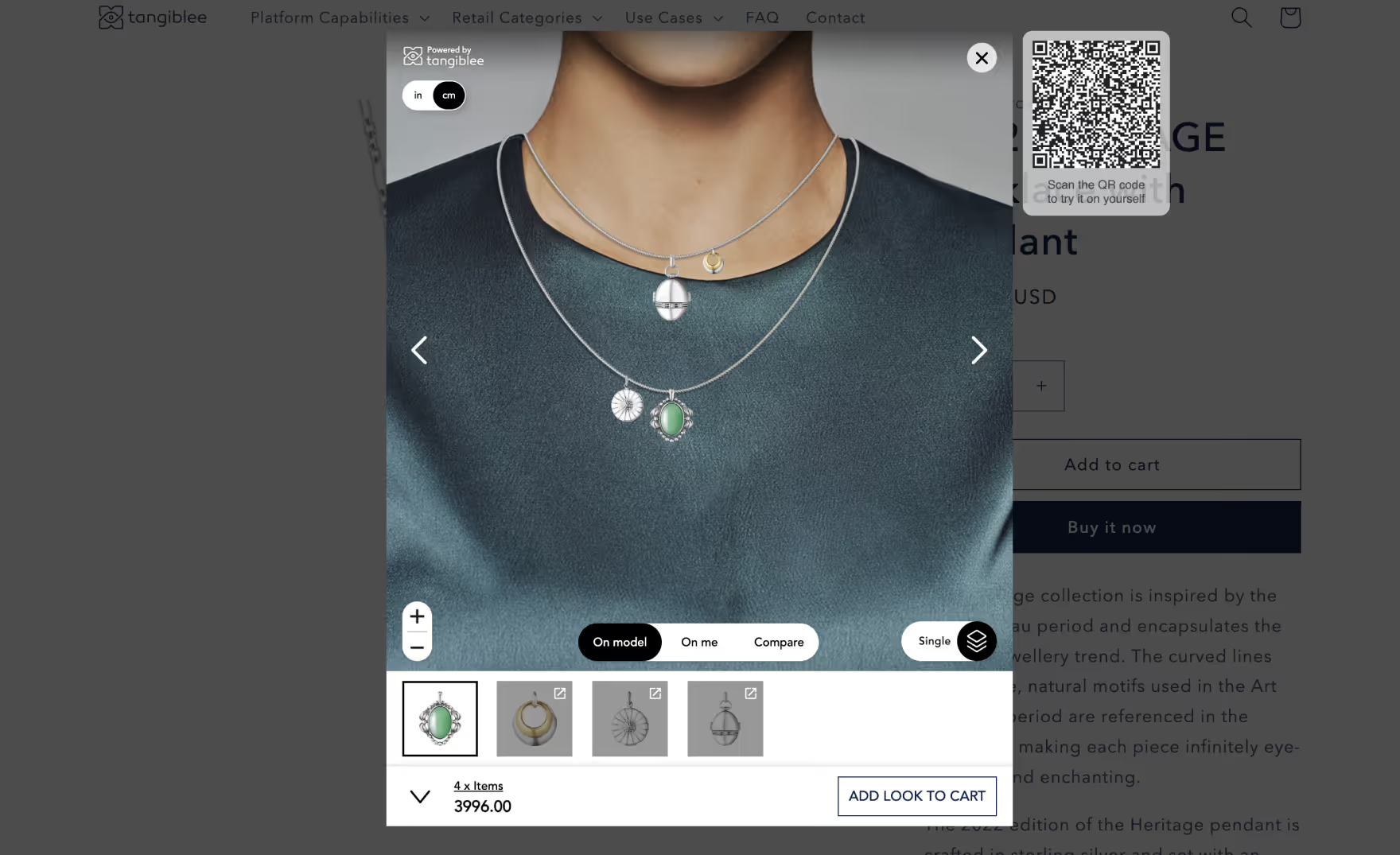
On Model - Necklaces/Pendants
Show products on model imagery with no additional photoshoots.
Read more
Retail category
Feature category
On Model - Watches
Show products on model imagery with no additional photoshoots.
Read more
Retail category
Feature category
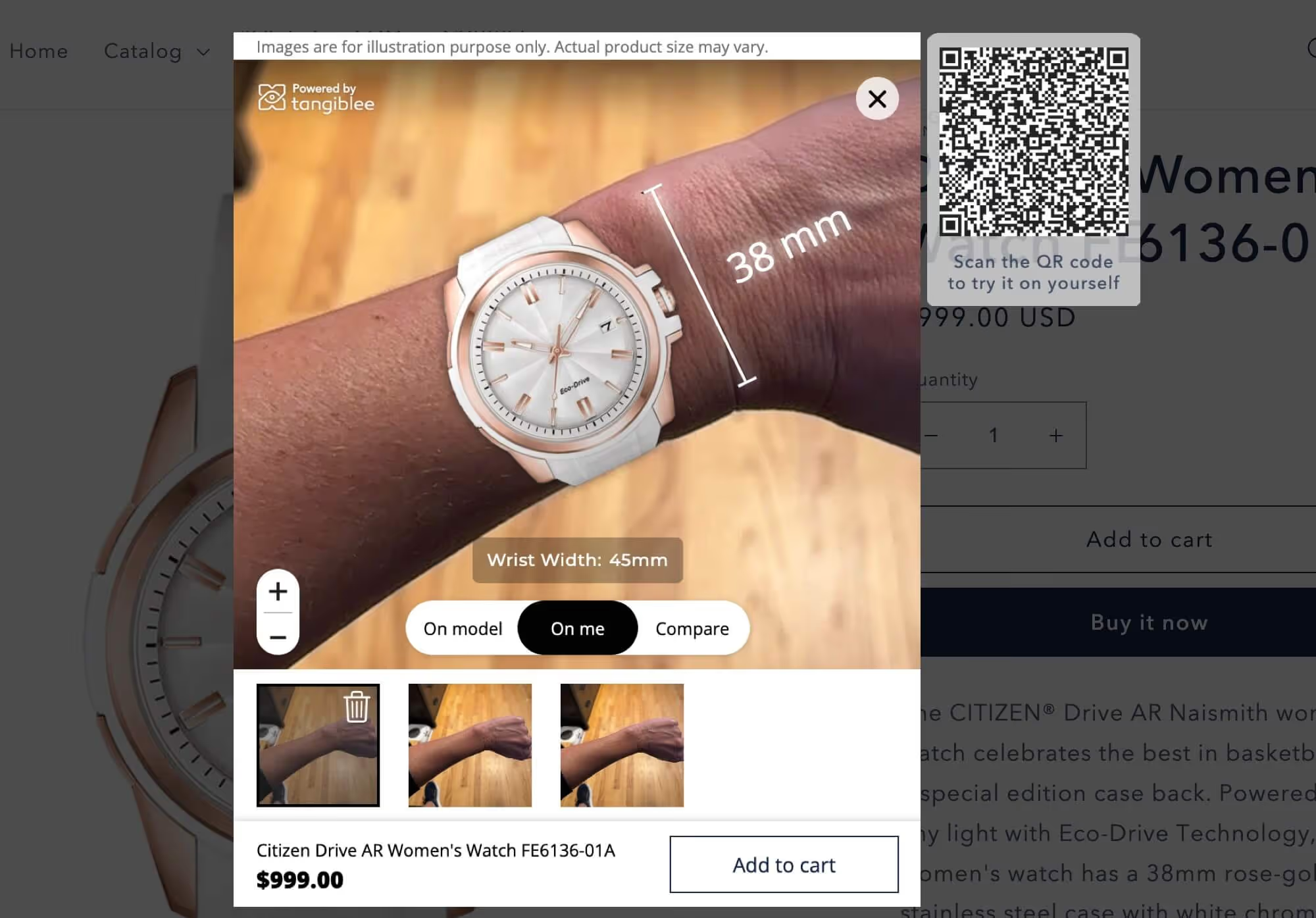
On Model - Wrist Size Selector
Allow your shoppers to visualize what a watch will look like on various wrist widths.
Read more
Retail category
Feature category
On Model Bracelet Stacking
Allow shoppers to visualize multiple bracelets at once on a model.
Read more
Retail category
Feature category
On Model Earring Stacking
Allow shoppers to visualize multiple earrings at once on a model.
Read more
Retail category
Feature category
On Model Pendant Stacking
Allow shoppers to visualize multiple pendants at once on a model.
Read more
Retail category
Feature category
On Model Ring
Show products on model imagery to increase buyer confidence.
Read more
Retail category
Feature category
On Model Ring Stacking
Online shoppers can visualize multiple rings simultaneously by creating their own custom look on a model.
Read more
Retail category
Feature category
Ring Stacking VTO
Online shoppers can try on multiple rings simultaneously by creating their own custom look on their own hand.
Read more
Retail category
Feature category
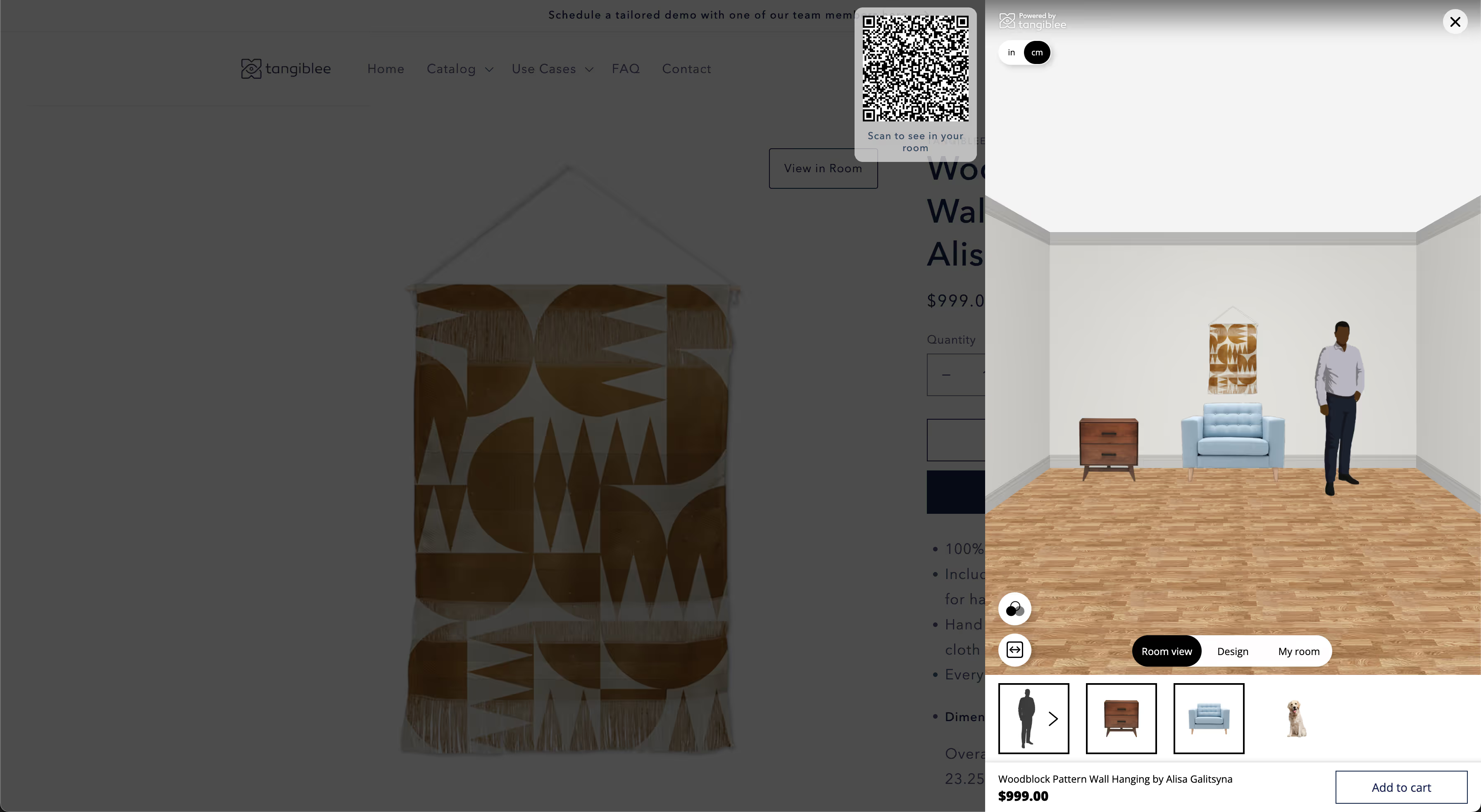
Room View
Allow online shoppers to visualize furniture or home decor in a virtual room using augmented reality (AR).
Read more
Retail category
Feature category
Side Modal
Allow shoppers to enjoy Tangiblee’s experience while still seeing the product on the Product Detail Page (PDP).
Read more
Retail category
Feature category
Size & Color Selectors - Handbags & Luggage
Enable users to select different sizes and colors within the Tangiblee experience.
Read more
Retail category
Feature category
Size & Color Selectors - Jewelry
Enable users to select different sizes and colors of a product within the Tangiblee experience.
Read more
Retail category
Feature category
Skin Tone Slider
Allow shoppers to visualize products on a skin tone that best represents their own.
Read more
Retail category
Feature category
Tangiblee Management Portal
The Tangiblee Management Portal (TMP) allows clients to view key information regarding their account.
Read more
Retail category
Feature category
Virtual Room Design
Allow users to virtually design their space by swapping out multiple products in a room.
Read more
Retail category
Feature category
Virtual Try-On Mobile to Desktop Sync
Extend the Virtual Try-On (VTO) experience across mobile and desktop.
Read more
Retail category
Feature category
Virtual Try-On Sharing
Allow shoppers to share their virtual try-on (VTO) images with others.
Read more
Retail category
Feature category
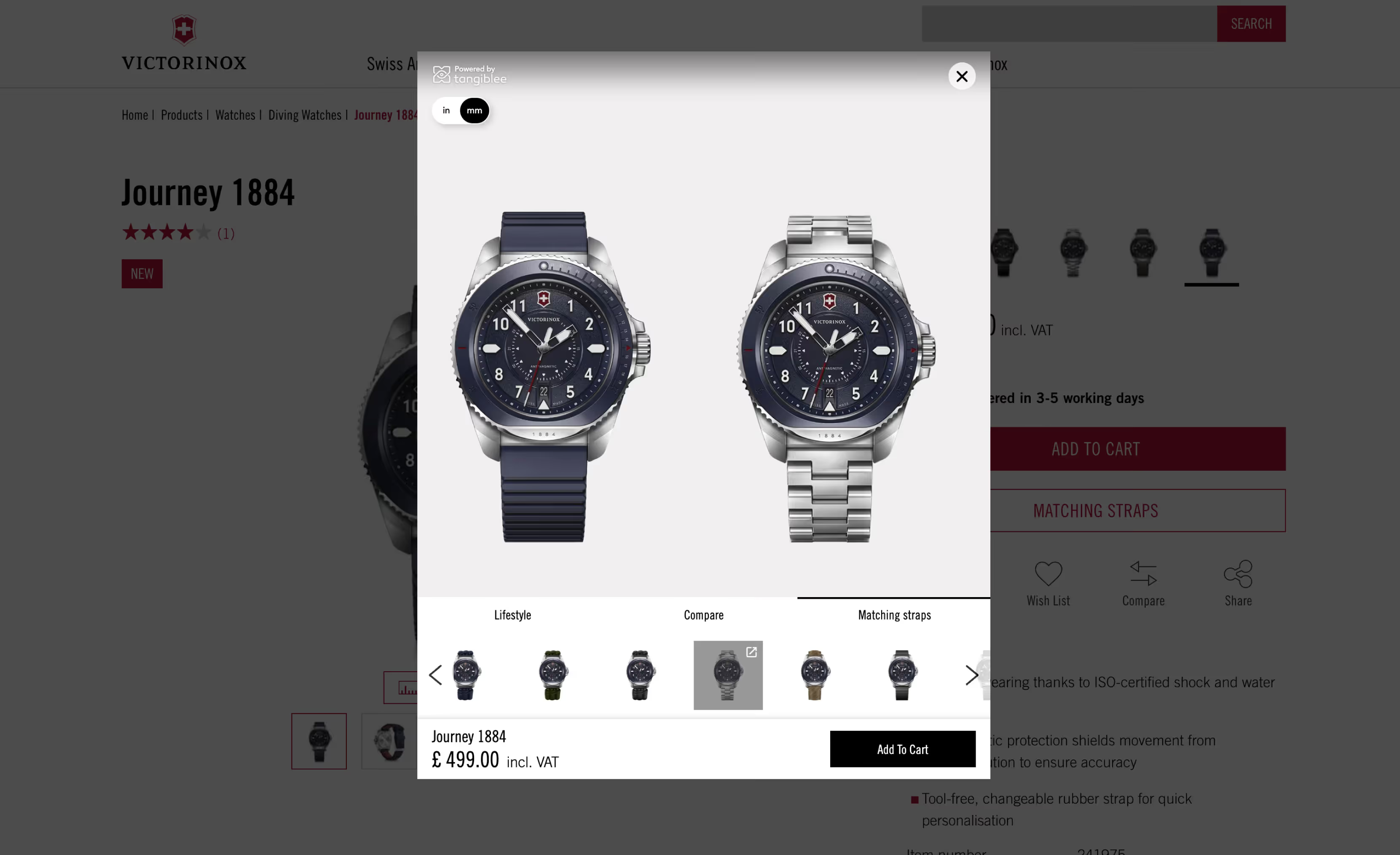
Watch Strap Selector
Allow shoppers to browse compatible watch straps.
Read more
Retail category
Feature category
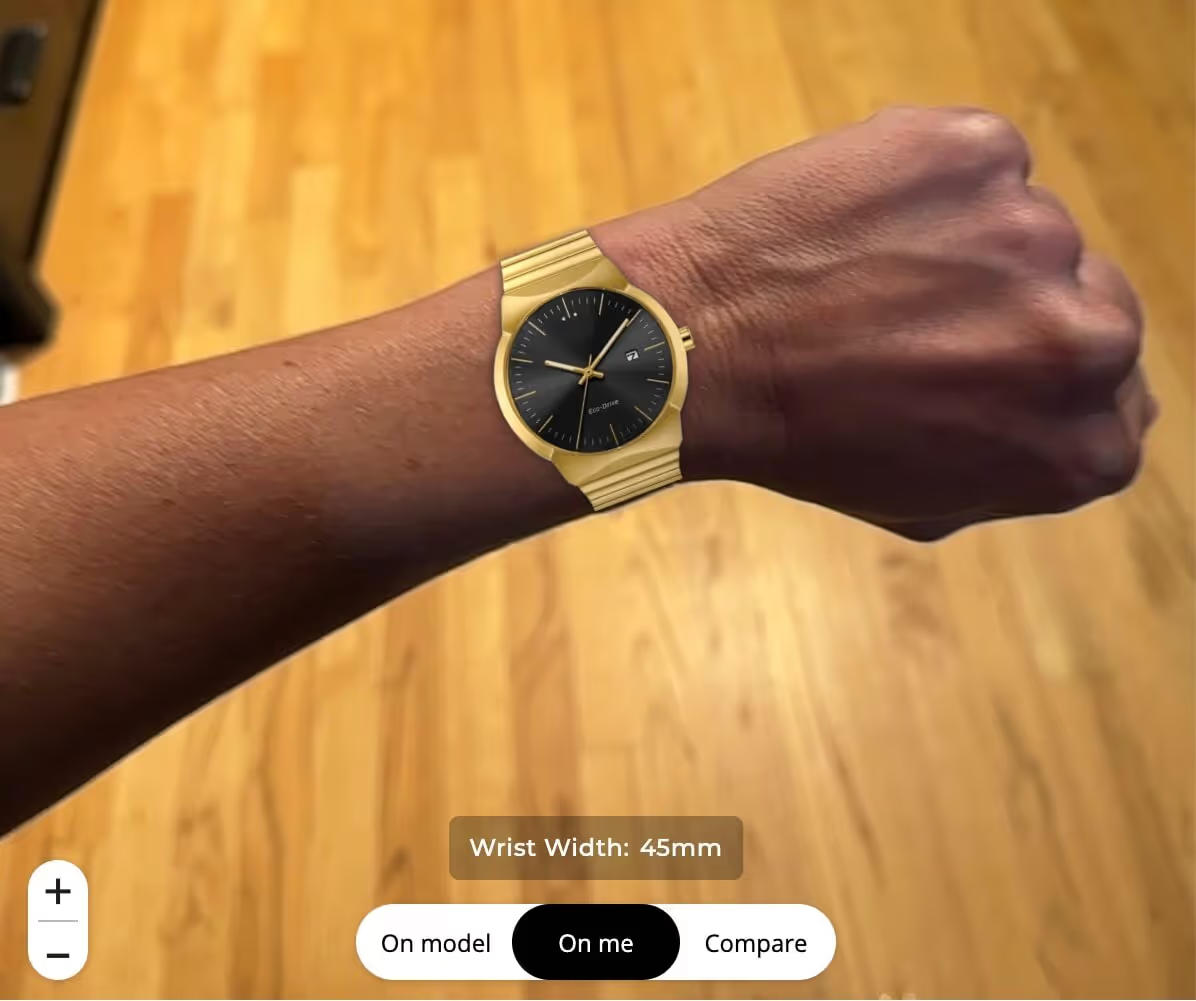
Watch Virtual Try-On (VTO)
Allow shoppers to virtually try-on watches on their wrist using Augmented Reality (AR).
Read more
Retail category
Feature category
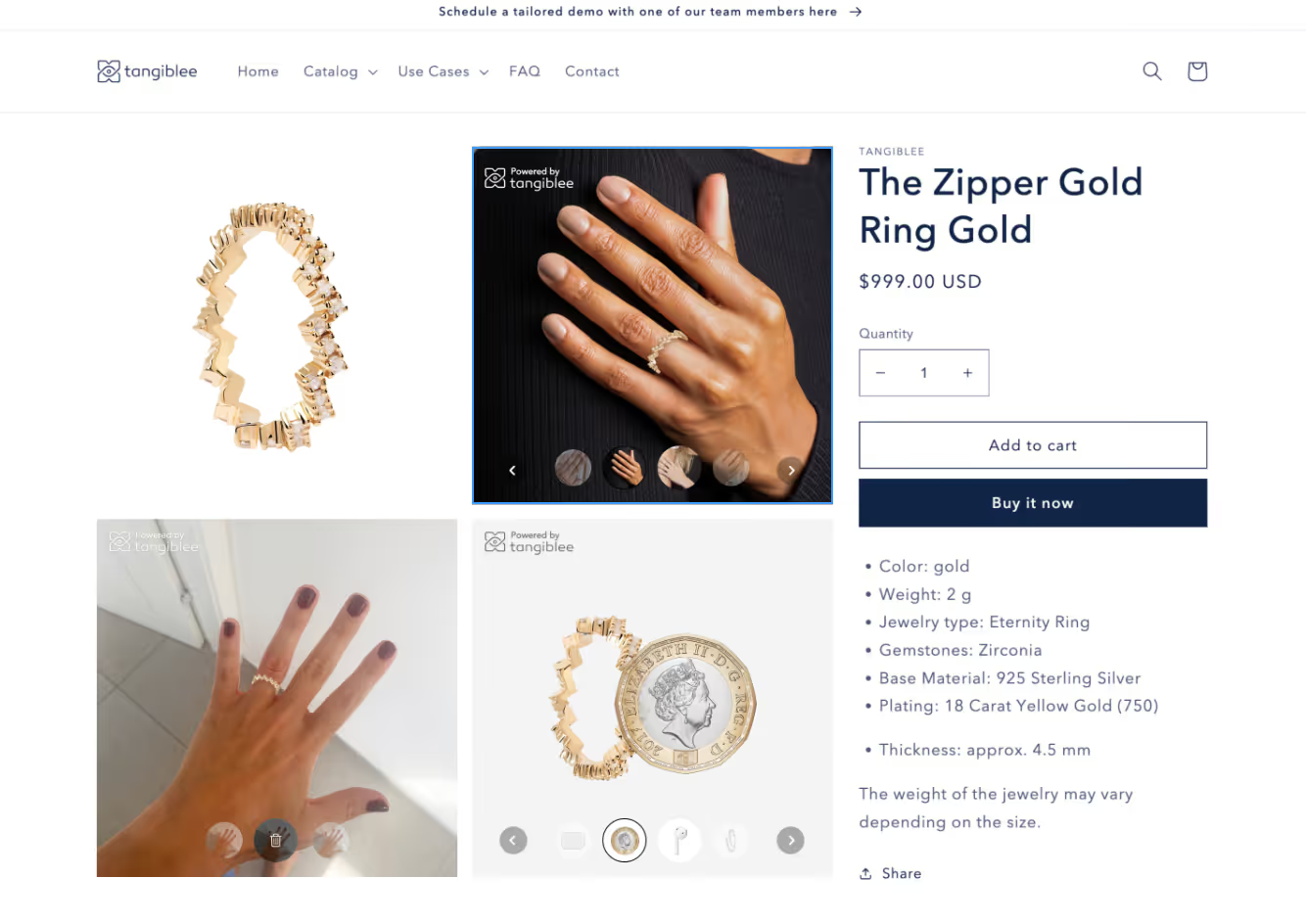
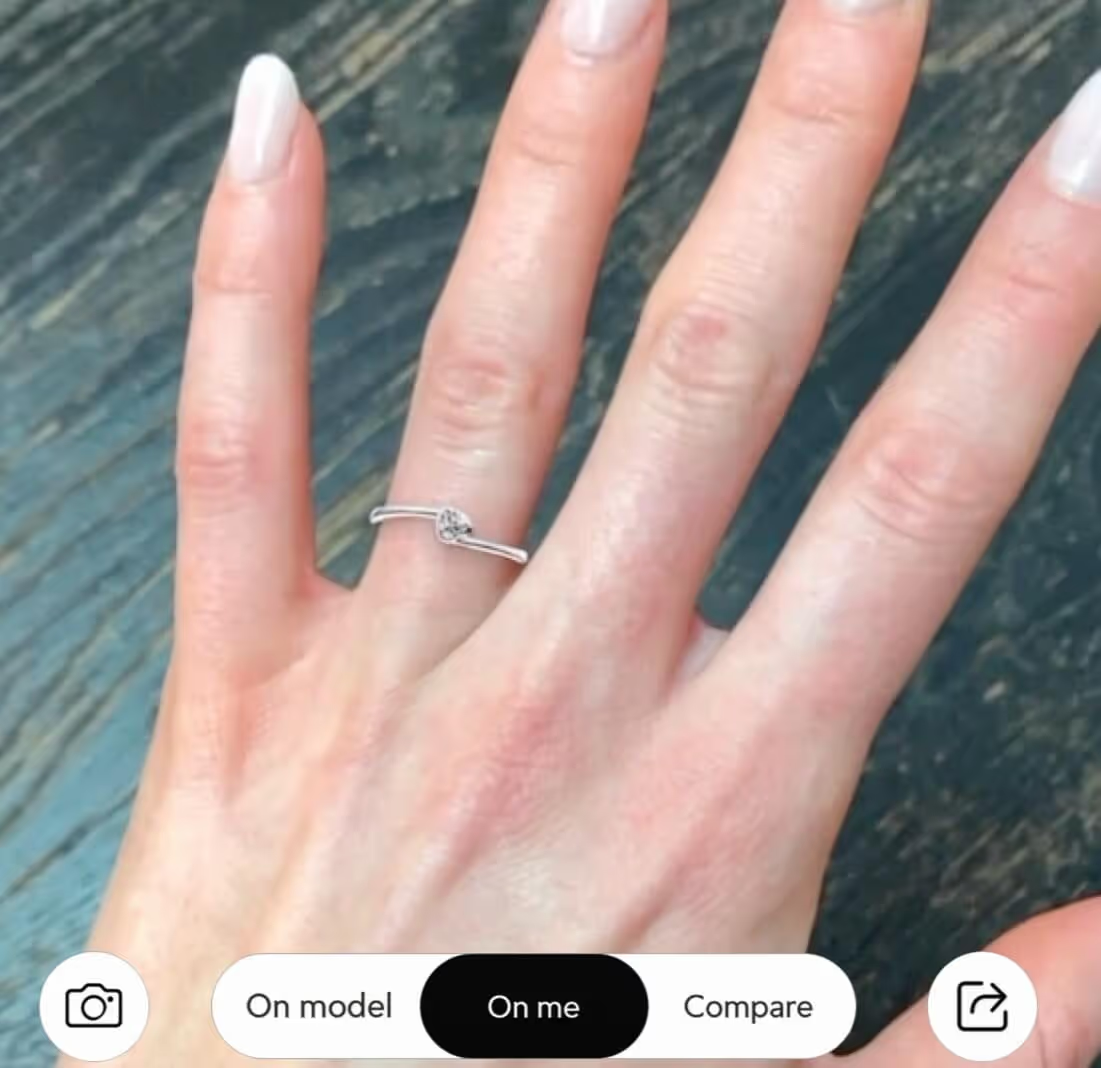
リングバーチャルトライオン (VTO)
拡張現実 (AR) を使用して、買い物客が自分の手で指輪を仮想的に試着できるようにします。
Read more
Furniture & Home Decor
Jewelry
Lighting
Handbags
Watches
Luggage & Backpacks
General Platform
Airline Carry-On
What Fits Inside
Embed
Stacking
Virtual Try-On
Lifestyle Imagery
Adjustable Silhouette
On Model
Compare To
QR Code Desktop Sync
何を待っているの?
Tangibleeの力を自分で体験してください。
デモをスケジュールする
機能ガイド